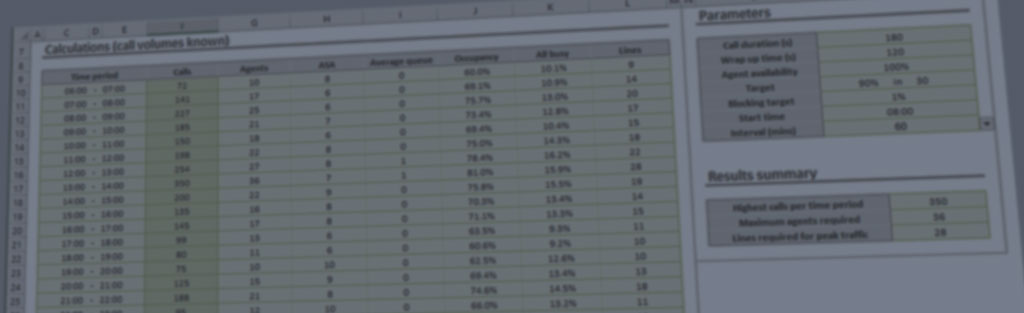

Ansapoint uses call answering service targets you specify to work out how many agents are required for each hour. You can set the service level targets per-project using the Projects | Properties command on the main menu. The service level is specified in terms of the percentage of calls which should be answered within a queuing time you specify (e.g. 80% of calls answered within 20 seconds).
The Average Call Duration is specified in the dialogue box displayed when the Projects | Properties command on the main menu is invoked. The average call duration is the length of time during which calls are actually in progress. It does not include the queuing time your callers experience before their calls are answered and it does not include the wrap-up time.
A call center’s wrap-up time (or wrap time) is the time an agent is unavailable to handle another incoming call after the previous call has been completed, usually to complete call-related administrative tasks. In Ansapoint, the figure is entered in seconds in the Project Properties box.
Yes, you can specify the analytical interval per-project. Ansapoint suports 15, 30 and 60 minutes periods.
Does Ansapoint take staff breaks taken into account?
For each project, Ansapoint lets you to define a figure for agent availability between 35% and 100% (the default is 100%). You can use this to account for staff breaks.
Ansapoint uses the Erlang B and Erlang C models that the industry has used for decades. They are usually very accurate but they make certain assumptions about the nature of offered traffic which may not necessarily apply in your case. For example, they assume random (Poisson) arrivals. This is usually reasonable, but sudden peaks of calls resulting from a radio or television advertisement are not accurately modelled. As with all analytical tools, you should use Ansapoint with common sense.
Our desktop products work on all versions of Windows from Vista to Windows 11. We do not make software for the Apple Mac.
Ansapoint costs $149 (US Dollars) for an installation on a single computer. We also offer enterprise licences for multiple installations.
This is a once-only payment and includes free upgrades for the lifetime of the product.

How can I run Ansapoint as a Non Local Admin? We do not want to give local admin access to all who use the software. I attempted modifying folder permissions unsuccessfully. Is there a registry key that needs to be modified as well?
Hello,
You should not need admin rights to run Ansapoint and you do not need to make any changes to folder permission. You will need admin rights to install the software, but this is a once-only process.
How do I get updates for Ansapoint databases?
Please contact our service team by email (service@erlang.com) to have access to the latest version of the software.