
If you’re a telecommunications analyst or call center specialist, you’re probably familiar with Erlang functions. Erlang B estimates how many lines you need and Erlang C helps you work out how many agents should be answering your queued calls. We were the first company to put Erlang functions online (in 1996) and, three years later, the first to integrate Erlang with Microsoft Excel.
“We’ve used the Erlang for Excel add-in for years and it works great.”
Mark Rolag, xtDirect LLC
Supporting all versions of Excel (both 32 and 64 bit), this original add-in introduces eight Erlang functions that you can easily use in your workbooks to analyse your telecommunications trunk groups and estimate the number of call center agents you need at your inbound call center.
Using Erlang for Excel
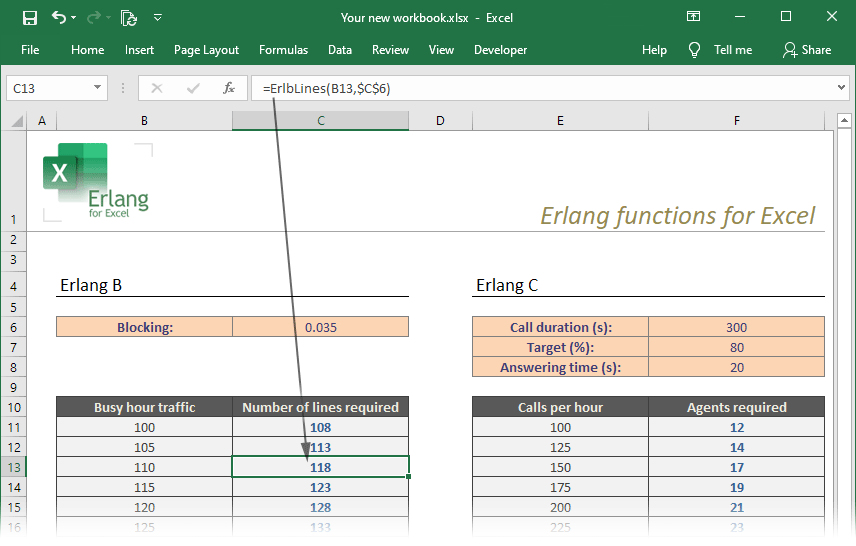
Here is an example of how you can use Erlang for Excel to create traffic tables. The left table uses Erlang B – the ErlBLines() function is shown in the formula bar. The right table is for Erlang C and uses the ErlCAgents() function to estimate the agents required to meet the performance specified in the orange shaded table.
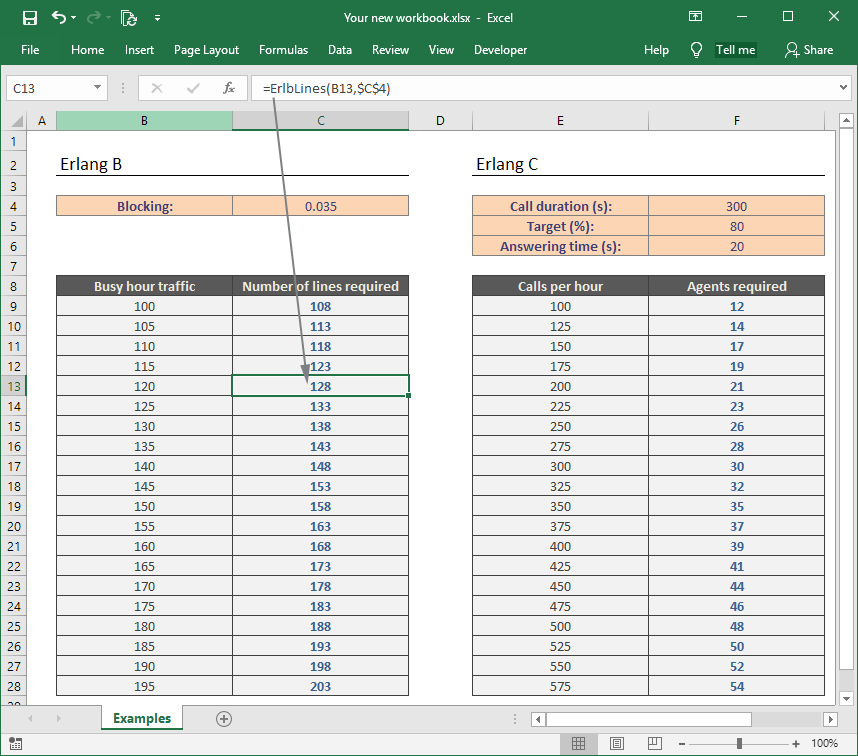
You can design your own traffic workbooks by using these eight functions and referencing existing cells in your worksheets. With some knowledge of Excel, you can use its more advanced features such as lookup tables, conditional formatting and charting to build complex modelling tools.
“I have purchased your product over the years and can attest to its quality and your support.”
Luis G. Romero, Optivon
Erlang Excel functions
Erlang for Excel installs eight Erlang B and Erlang C functions into Microsoft Excel:
| Function name | Description |
|---|---|
| ErlBLines() | Estimates how many lines you need if you know your busy hour traffic. |
| ErlBBlocking() | Estimates the blocking a trunk group will experience. |
| ErlBTraffic() | Estimates the traffic that can be offered to your trunk group before blocking exceeds your target. |
| ErlCAgents() | Estimates how many agents you need to handle your incoming calls. |
| ErlCCalls() | Estimates how many inbound calls your agents can handle, keeping within your performance targets. |
| ExtErlBLines() | Same as ErlBLines, but takes call retries into account. |
| ErlBBlocking() | Same as ErlBBlocking, but takes call retries into account. |
| ExtErlBTraffic() | Same as ErlBTraffic, but takes call retries into account. |
For example, if you want a cell to show the number of lines required to keep to your blocking target of 0.01 and your Busy Hour Traffic is in cell B6, you would enter this formula into the cell:
=ErlBLines(B6,0.01)
Example calculators
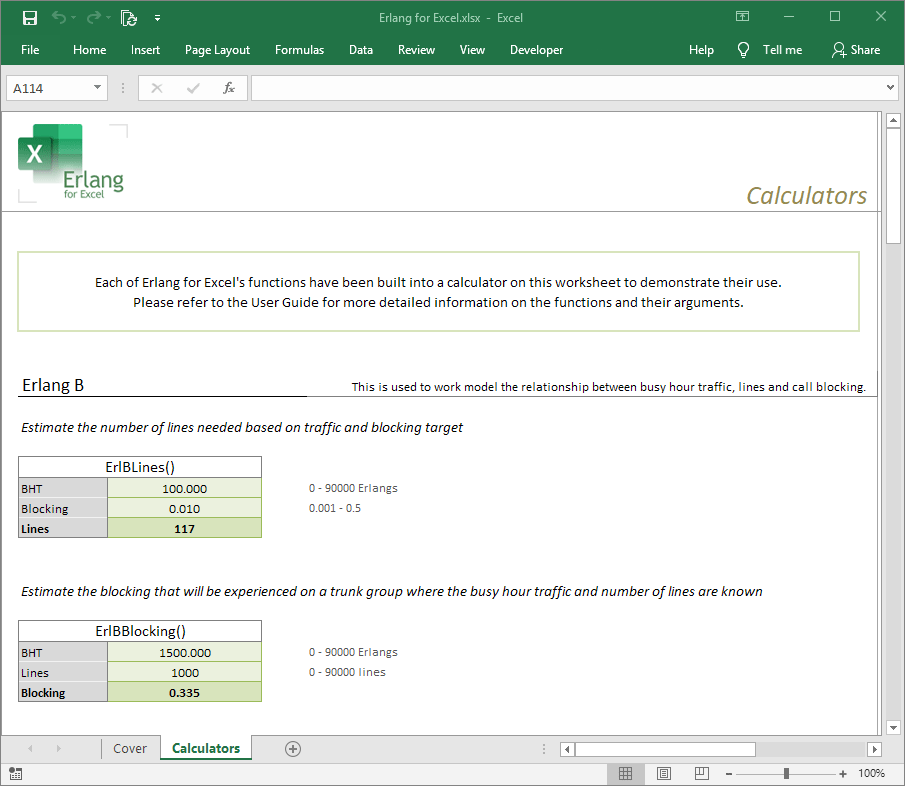
We install ten example Erlang calculators in a workbook. Here are two of the Erlang B calculators:
Documentation
We offer an illustrated user guide and help system. You’re welcome to contact us if you have any questions about the software, but please check the FAQ first.
Purchase and download

“This product is useful, functional and accurate.”
Robert Scott Read, Consultant, Traffic Engineering.
Erlang for Excel provides your total Erlang calculation requirements, for life. It can be working on your PC in five minutes for a once-only licence fee that entitles you to free upgrades forever. Please choose the licence type you need:
| Single user Installation on a single PC | $99 |
| Site Licence Unlimited installations in one building of your company | $1095 |
| Global Licence Installation on any of your company’s PCs worldwide | $2995 |


